
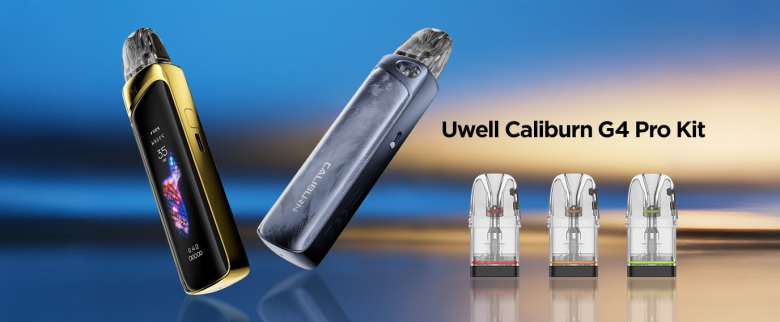
The Uwell Caliburn G3 Pro and Uwell Caliburn G4 Pro are the two top-end models in the long-running series of Uwell Caliburn pod vapes. Both devices have enthusiast-level features like large color displays and adjustable power, so they’re both great choices for anyone craving a high-end experience.
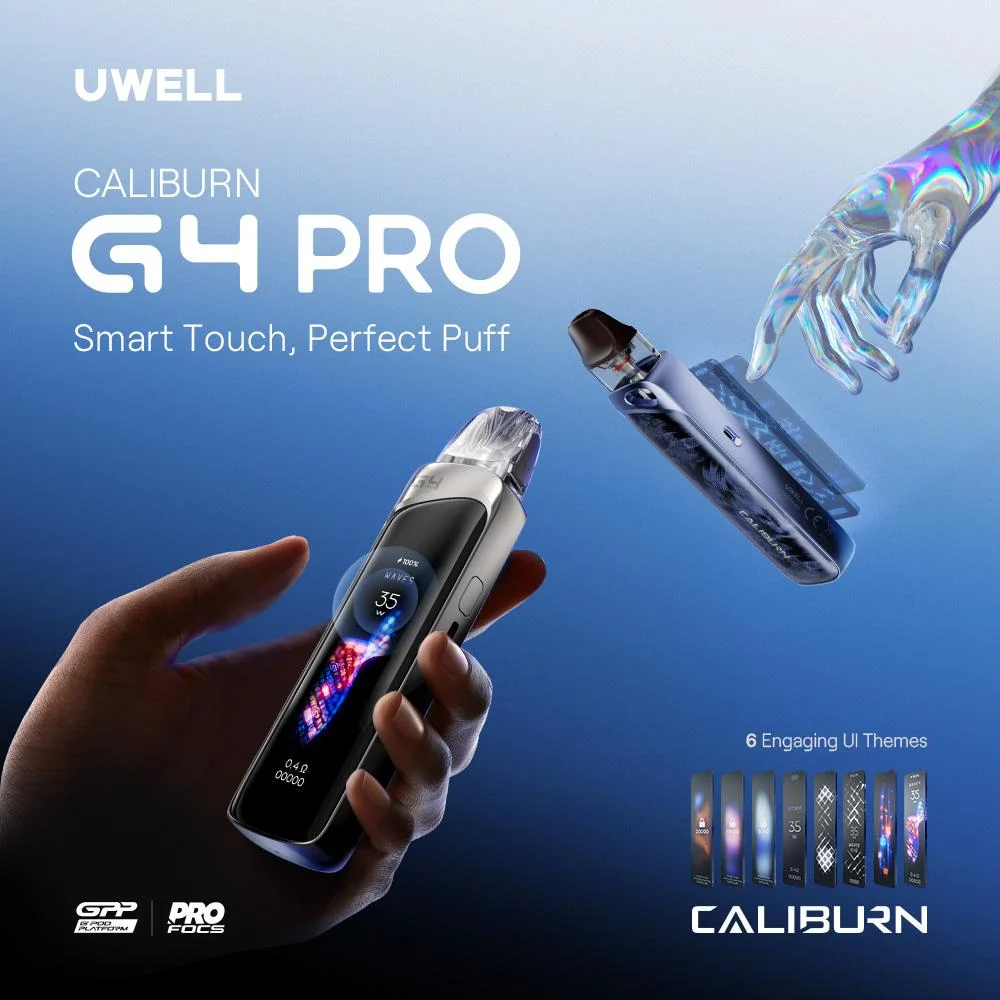 As you might imagine, the G4 Pro improves on its predecessor in several ways, making it the obvious choice if you don’t own either device. If you currently own the G3 Pro, though, you might be curious about whether the G4 Pro is worth the upgrade. Should you grab Uwell’s new flagship device, or would you be better off waiting for the next model? In this comparison of the Uwell Caliburn G3 Pro vs. G4 Pro, we’ll help you figure out what’s best for your Vape Vibe.
Basic Specs
Let’s begin by discussing the basic specifications of the Caliburn G3 Pro and G4 Pro to see how they compare.
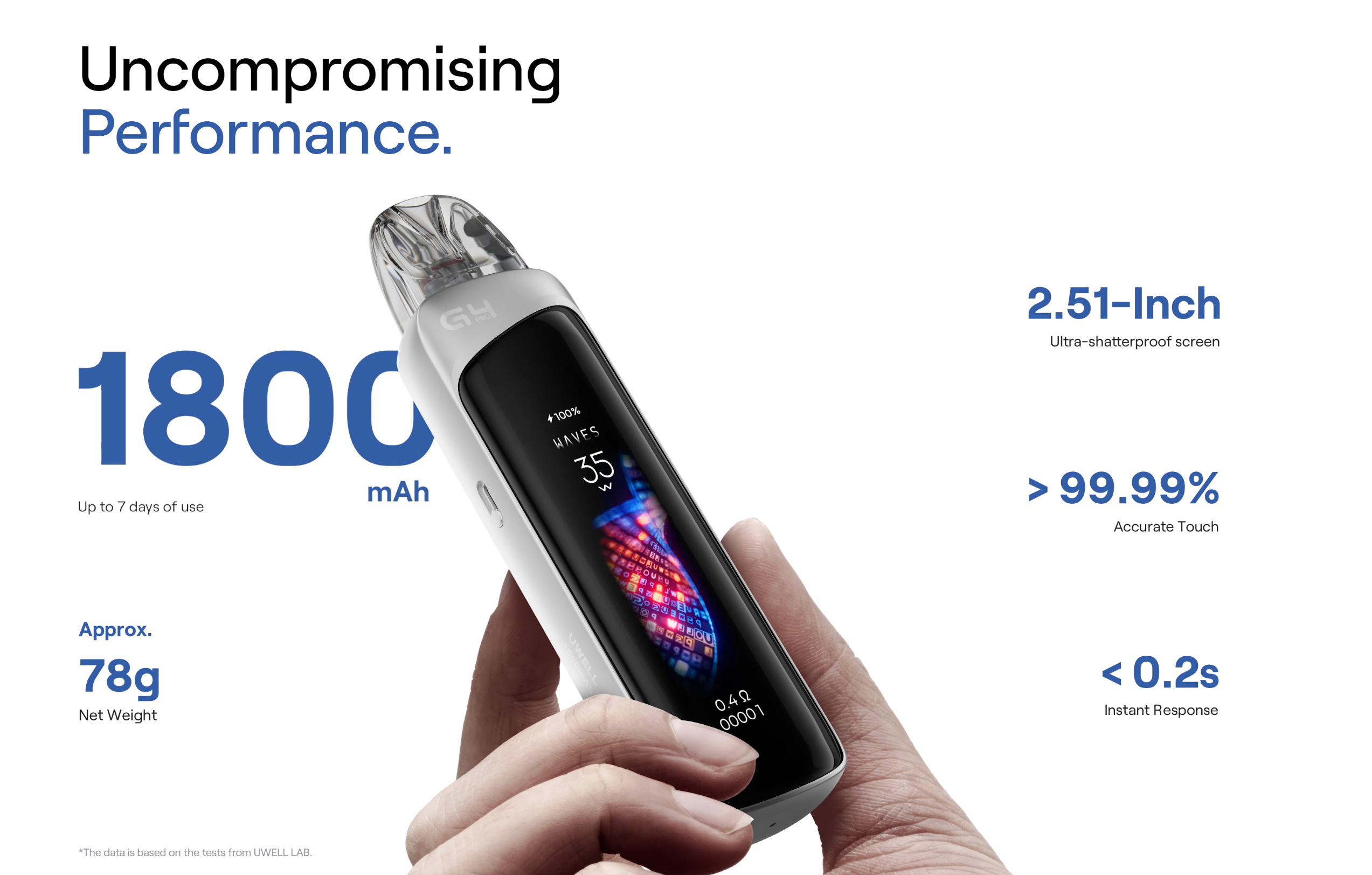
- Battery Capacity:The Caliburn G3 Pro has a battery capacity of 1,000 mAh and supports a maximum charging speed of 2 amps. The G4 Pro has a capacity of 1,800 mAh and charges at a maximum rate of 2.5 amps. In practice, though, you may not notice a significant difference in battery life between the two devices due to the increased power consumption of the G4 Pro’s screen.
- Power Range:The Caliburn G3 Pro and G4 Pro both have a maximum power of 35 watts.
- Display:The Caliburn G3 Pro and G4 Pro both have large color displays, but there are significant differences in the way they’re implemented. We’ll discuss that at greater length below.
- Interface:The Caliburn G3 Pro uses a traditional button-based interface, and the Caliburn G4 Pro has a touch screen.
- Adjustable Airflow:The Caliburn G3 Pro and G4 Pro both have adjustable airflow.
- Size:The Caliburn G4 Pro is a bit larger than the G3 Pro, owing to the fact that it’s significantly different in the way it’s constructed. We’ll discuss that below.
Construction and Size
The Caliburn G4 Pro is noticeably thicker than the G3 Pro. Here’s how they measure.
- Caliburn G3 Pro:5 mm long, 27.8 mm wide, 16.8 mm thick
- Caliburn G4 Pro:114 mm long, 27 mm wide, 24 mm thick
The extra thickness is partially due to the much higher battery capacity of the G4 Pro and partially due to the requirements of having such a large touch-screen display. The G4 Pro has an aluminum outer shell that provides some scratch resistance and makes the device feel a bit like a smartphone in some respects.
Pod Compatibility
The Uwell Caliburn G3 Pro and Uwell G4 Pro are both compatible with Uwell’s new GPP pod, which is available in top-filling (black mouthpiece) and side-filling (clear mouthpiece) versions. The GPP pod’s resistance ranges from 0.4 to 1.2 ohm. You can refill both versions of the pod without removing it from the device, and the GPP pod also features the latest generation of Uwell’s leak resistance technology.
Both devices are also compatible with Caliburn G3 pods.
Since the Uwell G3 Pro and Uwell G4 Pro both work with the same pods, they’re essentially the same as one another in this area. The only difference is that the Caliburn G3 Pro kit includes G3 pods, while the G4 Pro kit includes the newer GPP pods.
Display
The Caliburn G3 Pro and G4 Pro both have large color displays, but the screens are implemented in very different ways. The G3 Pro doesn’t have a true screen in the way that your smartphone does; it has a segmented display with elements that light up as needed. It’s in color and very legible, but it’s not exactly going to blow you away with visual appeal.
The screen on the G4 Pro, on the other hand, actually does resemble a smartphone display in many ways. It’s bright and has an impressively high resolution. It’s fully touch enabled and supports both taps and swipes with a response time faster than 0.2 of a second.
In addition to being visually striking, the Caliburn G4 Pro’s touch-screen display enables some fun new ways of interacting with your device.
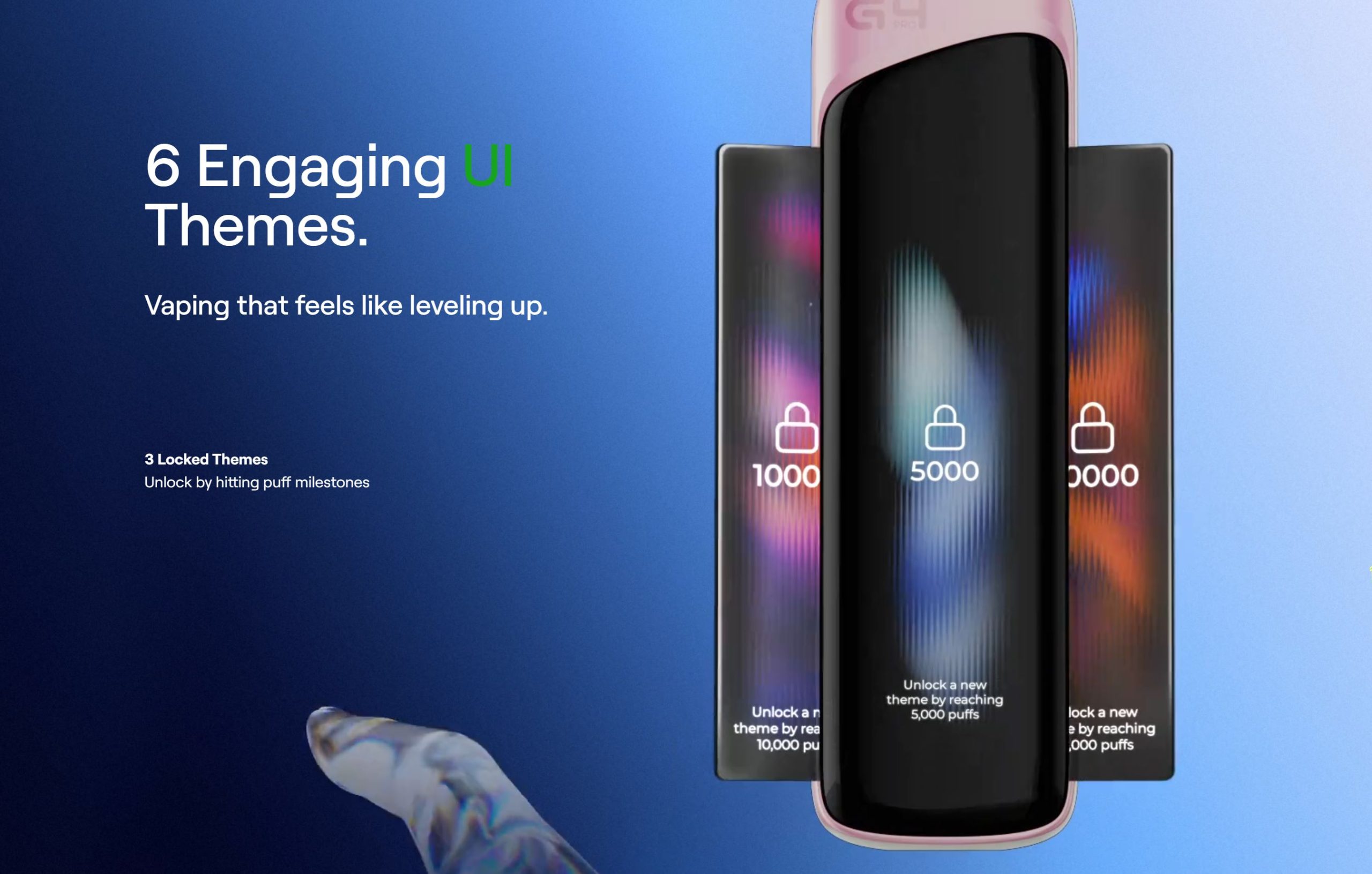
- The screen has several animated themes available, which are unlocked gradually as your total puff count increases.
- Customizing your settings and flipping through menu options are much easier than with a button-based interface.
- You can assign a custom name to the device using an on-screen keyboard.
New Vaping Modes
One of the most interesting new features of the Uwell Caliburn G4 Pro is the fact that it has three new vaping modes. You’ll select the mode in addition to choosing the device’s power level. The three modes are:
- Storm Mode:Gives you an extra burst of power at the beginning of the puff for maximum intensity and throat hit.
- Waves Mode:Pulses the power gently to provide reduced throat hit and smoother flavor, especially for longer puffs.
- Custom Mode:Allows you to select your own power level for the beginning, middle and end of your puff.
Bottom Line: The Uwell Caliburn G4 Pro Is a Worthy Upgrade
Without a doubt, the Uwell Caliburn G4 Pro is a great upgrade that’s worth the purchase, even if you own the G3 Pro already. Before you rush out to buy the device, though, it’s important to understand what you’re getting.
- In terms of usability and good looks, the G4 Pro is so much better that there’s really no contest between the two devices. The G3 Pro may have looked dramatic when it first came out, but the G4 Pro’s high-resolution display immediately makes the older device look very out of date. In addition, having the ability to adjust your settings simply by swiping and tapping really adds a lot to the experience.
- In terms of actual performance, though, there’s little difference between the G3 Pro and G3 Pro because they both have the same maximum power of 35 watts and are both compatible with the same pods. The G4 Pro does have greatly increased battery life – but once again, it isn’t clear that you’ll experience dramatically increased vaping time due to the screen’s higher power consumption. If you’re not interested in the device’s appearance and only care about flavor and vapor production, you might want to wait until Uwell releases their next device.
